Comments:


Here are the instructions if they didn't come with the watch.


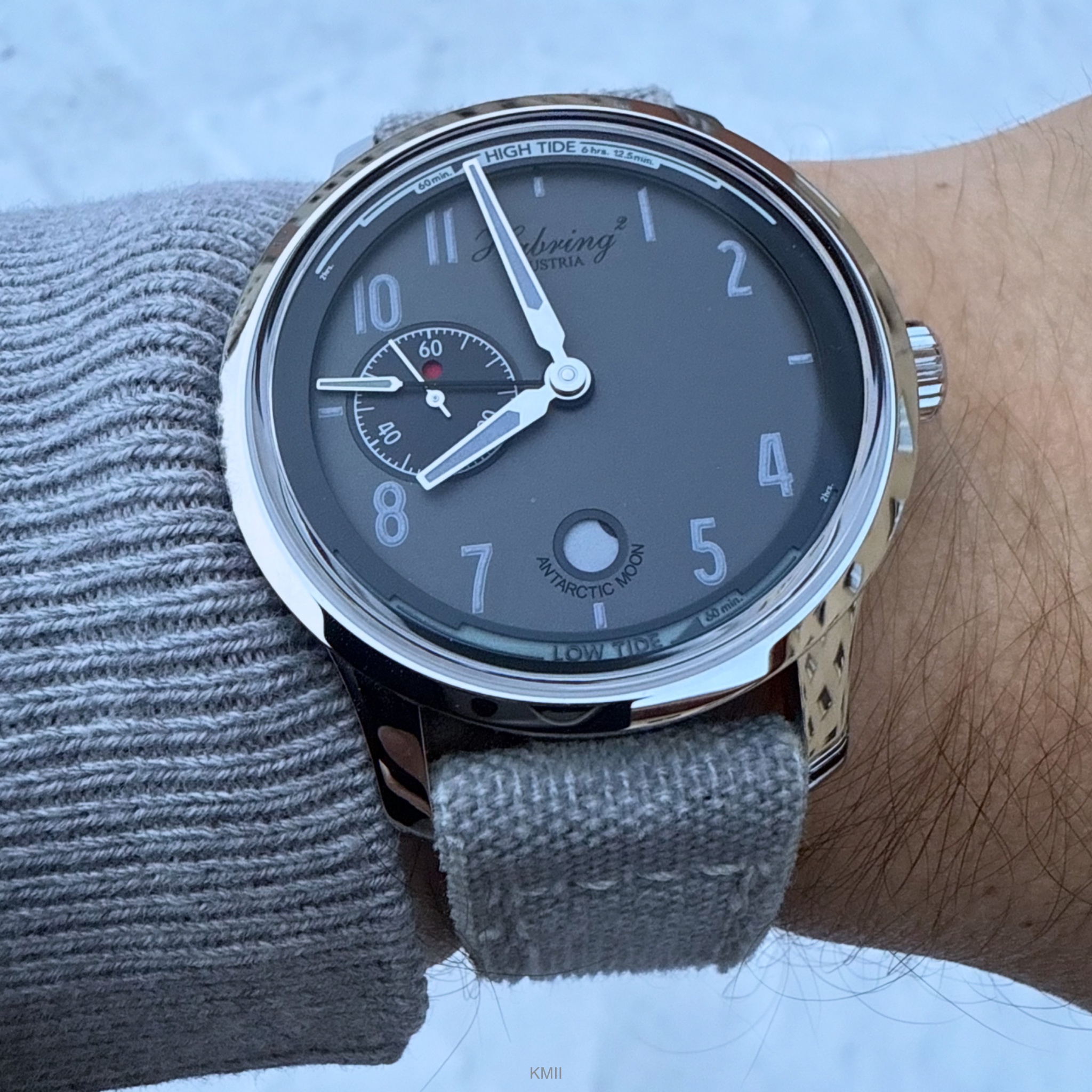
Seiko Tidemaster!
I had to search considerably for this, had one stolen in the mail from Germany unfortunately but finally found one!
I enjoy learning about moon phases and tides— spring and neap tides perhaps improving my fishing🤪🤔😮!

Clever vintage technology from Seiko! 😍
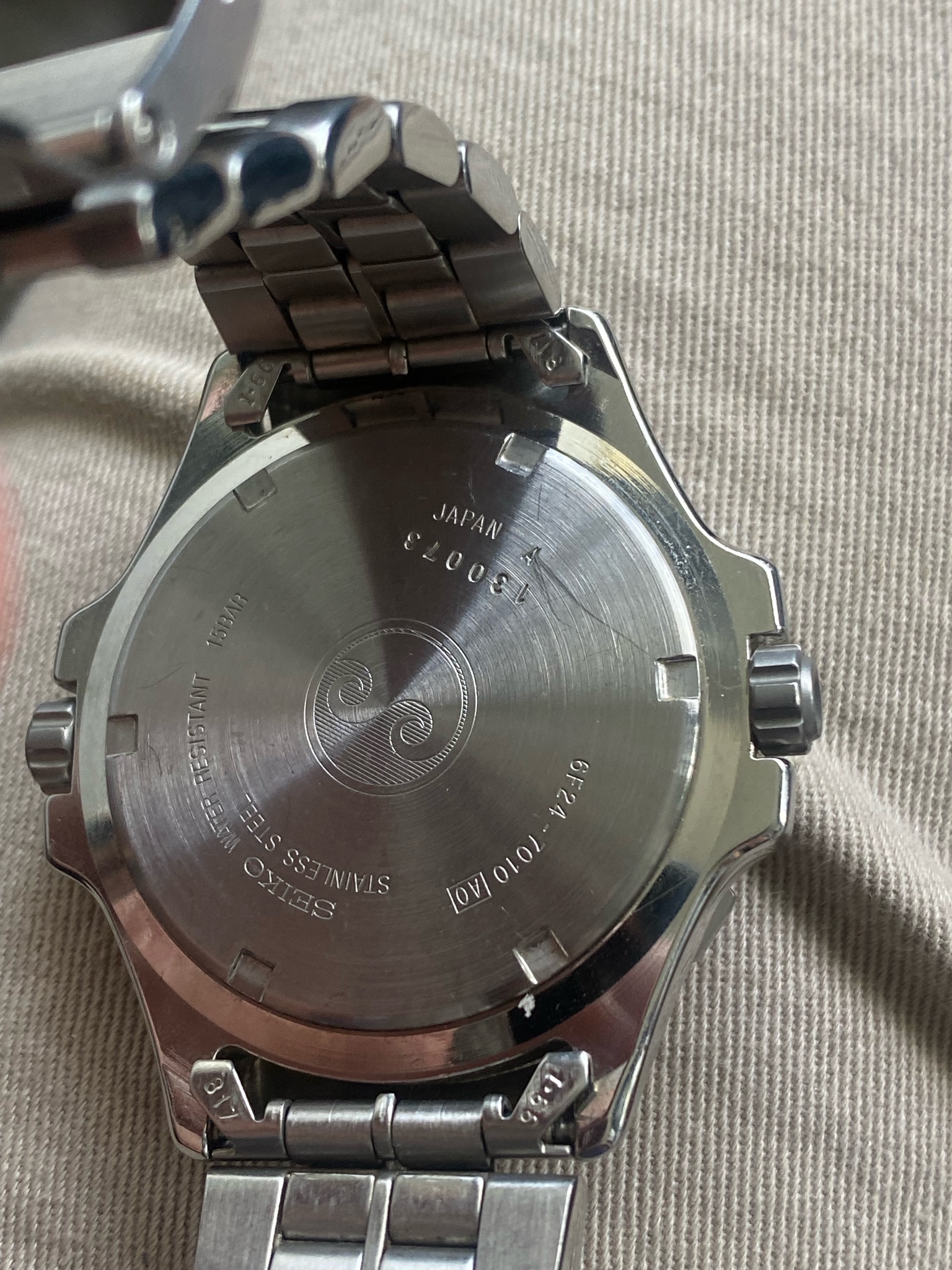
Also, a Seiko bracelet with micro adjustments!

This message has been edited by cazalea on 2024-05-28 13:49:38
I enjoy learning about moon phases and tides— spring and neap tides perhaps improving my fishing🤪🤔😮!
Clever vintage technology from Seiko! 😍
Also, a Seiko bracelet with micro adjustments!
😮
😮
😮
This message has been edited by cazalea on 2024-05-28 13:49:38
I’m the Seiko moderator; Welcome here at WPS; here's my TideMaster
I had one of those tide watches too, but I never could figure it out ... we live a mile from the water so it was easier for me to go look than to check the instructions for the watch :-(
Here are the instructions if they didn't come with the watch.
Cheers,
Cazalea
Tide calculator versus tide clock
I’ve been looking closely at this Seiko, and I’m increasingly convinced it isn’t a “tide watch” in the usual sense at all but a tide wheel calculator built into a watch case.
On a true tide watch, the tide indicator is geared to the movement, so the tide hand or disc slowly advances as the clock runs. On this one, the three discs (outer tide scale and the two inner date/time dials) appear to move only when you turn them by hand, and do not rotate with the clockwork. If that’s right, it means the watch isn’t “telling” the tide in real time; you’re meant to align the wheels manually—exactly like an old‑school plastic or cardboard tide calculator—to estimate future tides.
So your experience actually makes sense: if you were treating it like a live tide indicator, it would be baffling. It only becomes logical if you think of it as a little mechanical tide slide rule that just happens to be living on a watch dial.
On a true tide watch, the tide indicator is geared to the movement, so the tide hand or disc slowly advances as the clock runs. On this one, the three discs (outer tide scale and the two inner date/time dials) appear to move only when you turn them by hand, and do not rotate with the clockwork. If that’s right, it means the watch isn’t “telling” the tide in real time; you’re meant to align the wheels manually—exactly like an old‑school plastic or cardboard tide calculator—to estimate future tides.
So your experience actually makes sense: if you were treating it like a live tide indicator, it would be baffling. It only becomes logical if you think of it as a little mechanical tide slide rule that just happens to be living on a watch dial.
How to edit the index picture
Normally the first picture you upload becomes the picture shown in our index pages.

If you want to change that you can edit your story and select the photo you prefer from the list at the bottom.
For your story it looks like this image:
You had uploaded another picture of a different watch and that became the former index picture, which you didn't want.
I took the photo of the Tidemaster and edited it slightly because the top of the image showed us your shoe, which we didn't need to see.
Then I uploaded the new photo. It's necessary to upload, then save the story, then go back in to edit a second time.
To make the new photo become the index photo, edit the story and click the image at the bottom which you want to appear in the index, then save the story again.
It is necessary to do this with a browser window, the app won't give you all this access, and you can only do this within a half-hour or so of first saving your story.
After that, you need help from a Moderator.
Cheers,
Cazalea