Samsung Galaxy S4 SPH-L720
Time for an upgrade! There's a bunch of great new phones out there so after doing some research and getting some hands on at the store, I decided on a new toy. Released online on April 27th and in stores on May 1, 2013, the all new Samsung Galaxy S4!

I waited about a month to get this after it was released to make sure it was something I would be happy with. I've been a fan of HTC products the past 2 years but Samsung has been producing some wonderful products. So Samsung it is!
On to the unboxing:

The Samsung Galaxy S4 SPH-L720 (with the 1.9Ghz Qualcomm Snapdragon 600 processor):

Let's open it up and see what we have underneath the smartphone:

In the box are the instruction/warranty manual, battery, charger, micro USB cable, earphones, and extra earbuds:

Rechargeable battery:

Wall quick charger (USB cable installs on the side):

There is a spot on the side of the case that allows you to open the plastic back to expose the battery, SIM, and SD card slot:

The back is very slim and pops off with a bit of prying and pulling. It's a world phone so you can unlock and activate the UICC and use it in various countries.

The battery is a 3.8V 2,600mAh Lithium -Ion with NFC (Near Field Communication) capabilities:

13mp rear camera and built-in flash:

Takes the 64GB microSD cards:

On the right side of the phone, the Power Button:

AT the bottom of the device is the micro USB connector. You can see the HOME button on the front just bellow the screen:

Speaker at the bottom left on the back of the S4:

They used a lot of stickers to protect the device from scratches during shipping. Nice but it was kinda of a pain to remove them all as some are very tiny. There's even one on the camera that a lot of people don't take off because they don't realize it's there. Initial reports about the camera not taking good pics is because the clear plastic is still on the camera lens! Default is also not set to the highest megapixel resolution so if you have the S4, make sure you go into settings and select 13mp to get the best results.
Top portion of the phone: 3.5mm earphone jack (pictured on the right) and the IR sensor (Left port). On the top of the face is the phone speaker and LED light:

Include are a set of earphones for the Galaxy S4:

It also comes with 3 extra pairs of earbuds to accommodate different eat sizes. These are soft and comfortable, no complaints. A play/pause button and volume controls:

Definitely not as good as my Etymotics ( timeout.watchprosite.com ) or Monster iSport ( timeout.watchprosite.com ) but as a freebie included with the phone, it's fine for what it is.

Los Angeles has LTE coverage so let's see how much faster it is over 4G Wimax:

Wow, this thing is pretty fast! I was getting good speeds with my old EVO 3D on Wimax but LTE blows it away. Signal strength in the areas I travel to most have been consistent. My carrier is still building out their network but it gets better each day. Reception is also better on this phone than my previous one.
One of the many cool and unique features found on the Samsung Galaxy S4. When the top left LED flashes blue, it indicates that you have a notification. You can enable hand gestures over the phone to do certain functions. Here you can wave your hand over the phone and it opens the screen to display missed calls, emails, and texts. Battery power indicator, Time, and Date are also shown. Comes in real handy if your hands are dirty and you need to check your phone. You can also set it so that the phone vibrates when you pick up the phone and have a notification pending.
I've also set it to answer calls with a swipe over the phone using the air gesture. I need to get used to air swiping while browsing the internet before I make that feature set on the phone.
The display is a large 5" Super AMOLED screen, the colors are amazing and sharp while watching movies and videos.

After spending a few hours getting accustomed to Touchwiz and figuring things out, I'm extremely happy with the Galaxy S4. I did consider the HTC One but a little worried about being able to S-Off the device (Revolutionary that unlocked my EVO 3D and EVO View 4G has just announced they have a way to get into the ONE). The HTC does have a better build, it's unibody construction and overall design aesthetics is gorgeous but the lack of removable battery and external memory card slot was a deal breaker for me. Since I have Samsung tablet it was not that difficult to switch over to the Galaxy S4. They've done some really cool things with this that works really well and smooth. I'm liking the Multi-Window feature too. For those of you who are upgrading or looking at having the latest and greatest, check out the S4!
-MW
This message has been edited by DRMW on 2013-06-13 00:04:51
I Haz Root!
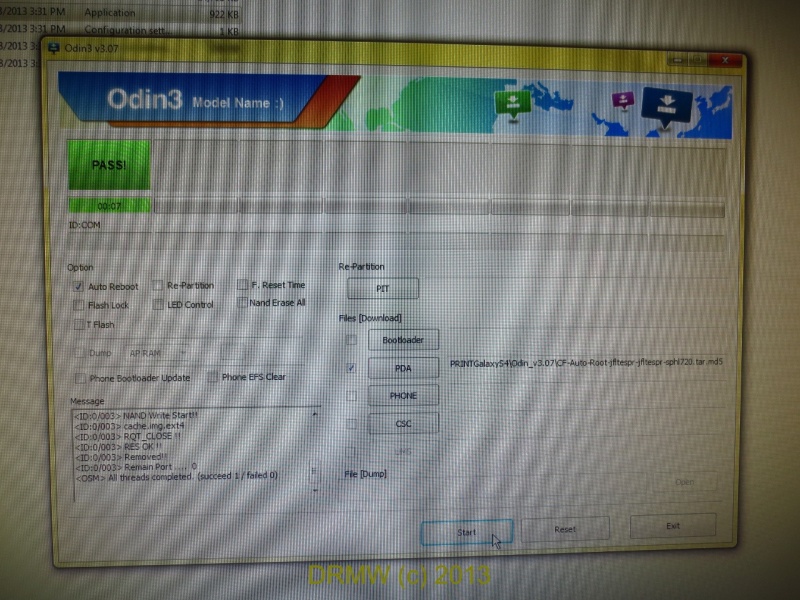
Make sure and double then triple check that you have the right tar file for your device! Uncheck the f reset time and hit Start. CF autoroot is fast, took less than 10 seconds to pass. Some have reported that it took a few tries to make it stick but I got lucky and got it on the first attempt. It's set to auto reboot so I don't need to do a battery pull and restart. SU Super User is included so I didn't need to install it. Once back in I open a root checker to verify that I did everything correctly and have root access.
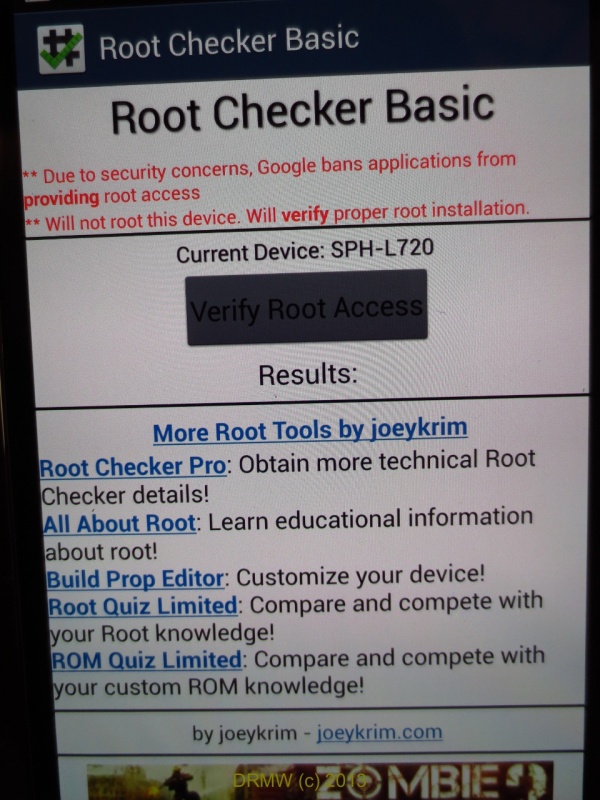
Grant super user access..
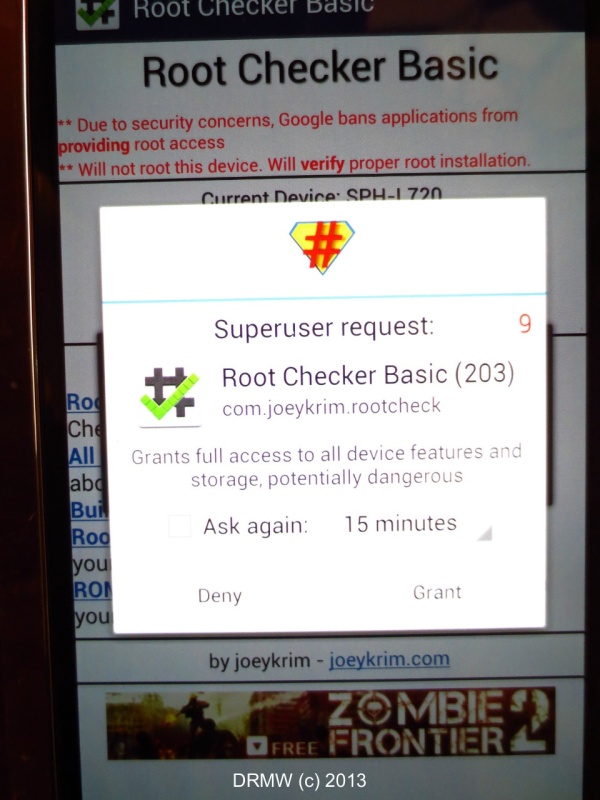
YES! Root access confirmed!
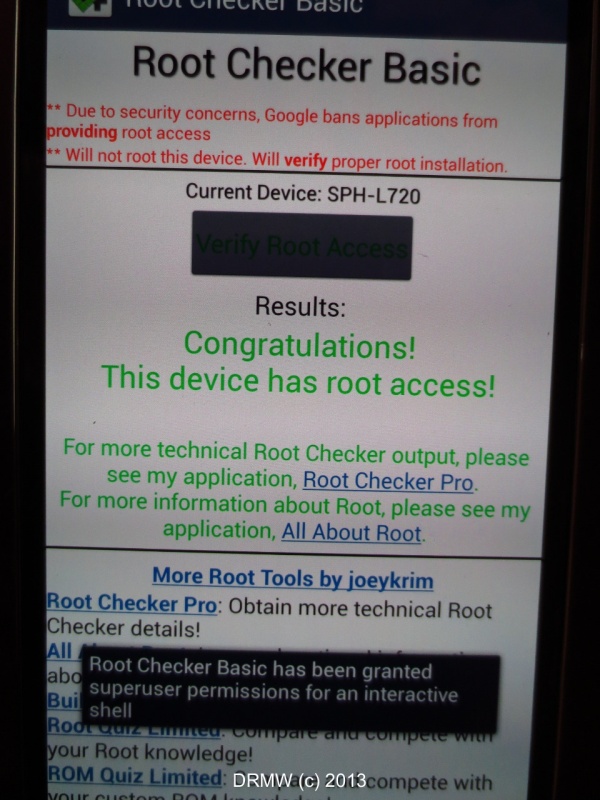
This makes a great phone even more awesome. I haz root!

-MW

This post is awesome!
I have the S3, but I am going to save this thread as a reference for when I am ready to get my next phone.
Is yours the new mini-S4 or is this the larger model?
Good luck with the new toy!
Best,
respo
re: awesome
They just announced the S4 Active on AT&T and will be available June 21st. The S4 Mini has a 4.3" lower resolution 960x540 screen, 1.7Ghz dual core processor, and lower 8mp camera. I believe they will release a Duo version of the S4 mini with dual SIM slots.
Have you rooted your phone?
-MW
On June 20th...
-MW

U lost me
LOL!
-MW
Custom Recovery
While CWM is the standard for custom recovery, I chose to install TWRP v2.5.0.3 as the current version ( from 2.4.4.0 onwards) has the ability to recognize exFat with the 64gb micro SD cards. 4EXT has been great but they do not have a version for the Galaxy S4 yet.
TWRP has come a long way, they make it so easy to install ROMs and their own recovery. The PLAY store has their app called GooManager. Once you are rooted, you can install it. From there it will download the recovery with a simple touch screen option. Confirm you have the right recovery for your device and the magic happens:
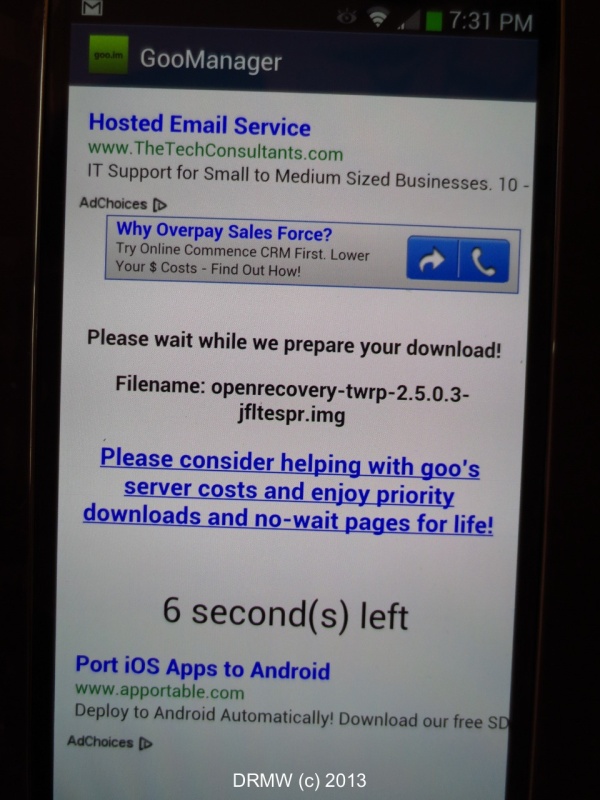
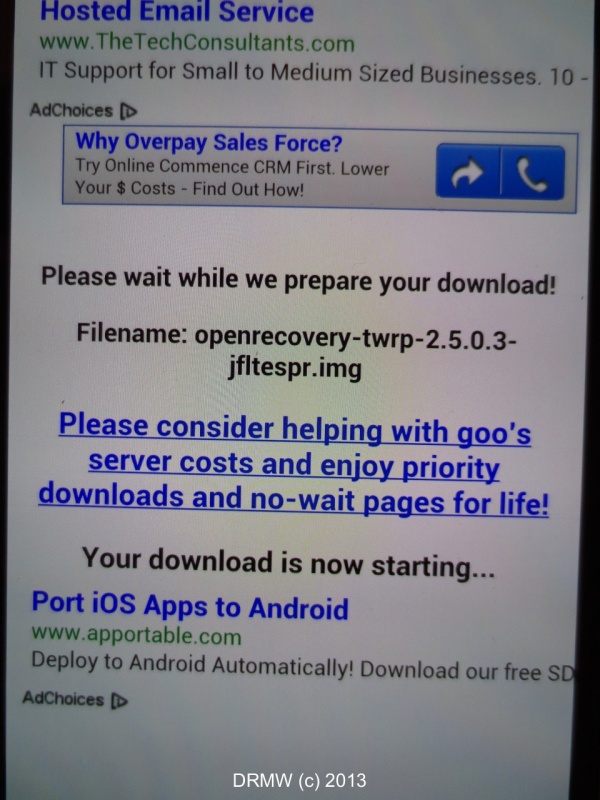
Once it auto installs, it asks for permission to reboot straight into recovery. You can also do it manually by the volume up and the power button, release when you see the blue text, let go and you are in recovery mode.
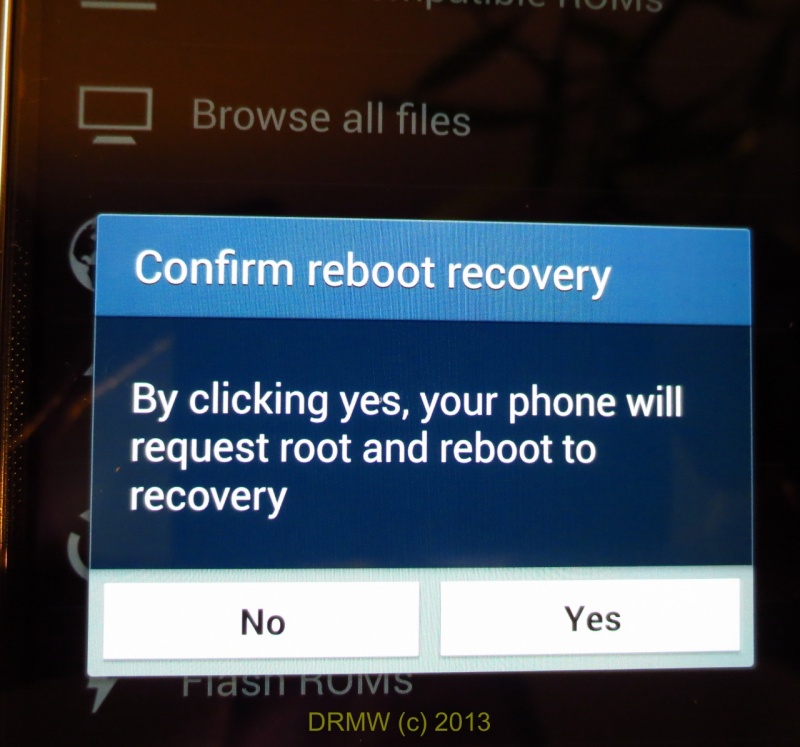
Awesome! TWRP!
Great, the recovery is installed! Let's test it out by running a zip mod...
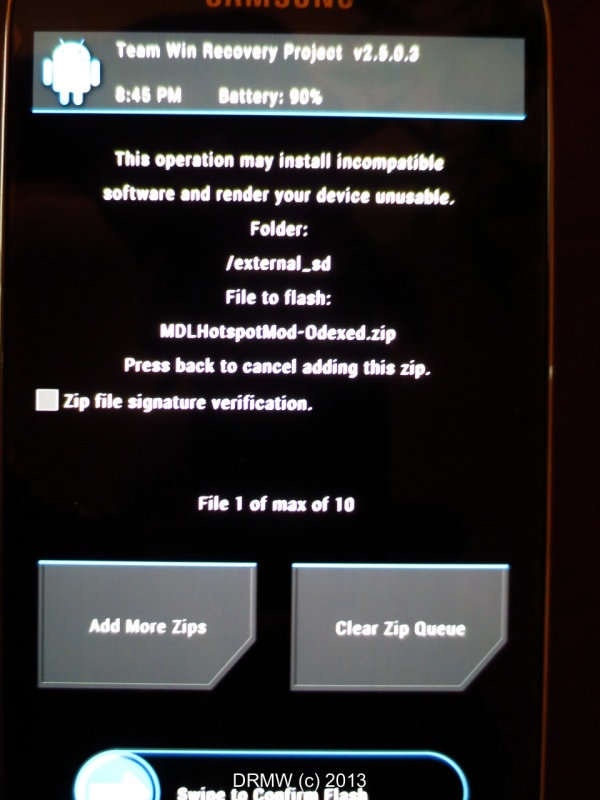
What am I doing to the phone with this mod?
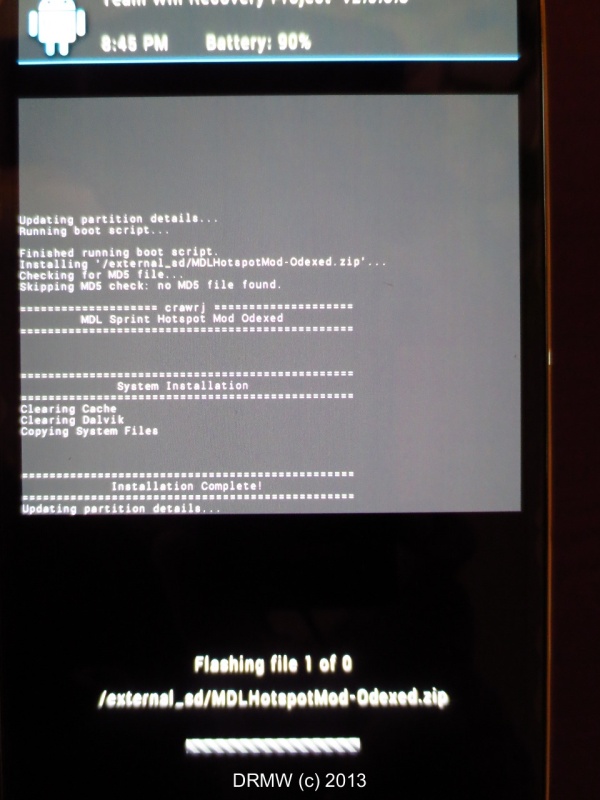
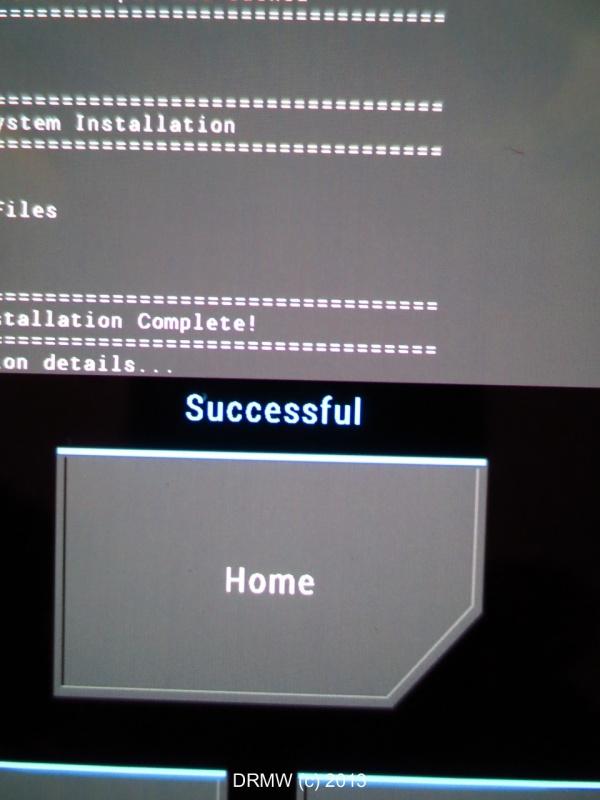
Woohoooooo! Successful!
-MW
Galaxy S4 accessories

When it comes to screen protectors, they offer dry and wet application. The problem with most installs is that air bubbles gets under the protector and makes the screen look like crap. This is usually caused by dust or lint getting between the screen and the protector causing the irritating bubbles that show up. IMO, the best way to get a clean install is with a dslr camera 'Rocket' blower and this:

When installing the protector, pre cut some strips of scotch tape (make sure you use 3M Magic type tape and not packaging tape, Magic tape will not leave any residue and comes on and off easily). When you lay down the first side of the protector and see any bubbles due to dust just lift up and touch the Magic tape on the area and it removes the dust. It also helps to be in a dust free environment, some will go so far as using a bathroom with the hot water running to humidify the room to decrease dust particles. I find that using the tape method works fine.
The S4 is currently sold with only 16GB. Another carrier offers the 32 but the one that I am on does not. Having a external memory card helps out if you have a lot of music, movies, pictures, files, or videos so I picked up a 64GB. I've been using Sandisk for all my devices, the Ultra cards are the fastest ones for microSD size. They do have the Pro versions but it's only offered in 16 or 8GB.
Current 2013 packaging:

A microSD that I picked up last year (2012):

A major change to the JB OS is that apps cannot be moved to the sd card. With games getting larger and larger, it's easy to fill up your internal memory especially if it's limited to 8 or 16GB. The current solution is to be rooted and create a 2nd partition on the card and use link2sd with foldermount. The International variant of the S4 has a new update to JB 4.2 that allows apps to be moved so the rest of the phones should be getting this update soon.
Since the card is new, let's format it. We'll change the exFAT to FAT32:

The advantage of exFAT is that it can have files go over 4gb. The Galaxy S4 stock kernel and certain custom ones do recognize exFAT files as well as FAT32. If you have older devices FAT32 is the way to go.

For those of you in the U.S., if you register your Samsung device on their official website, they will email you a 50% off code on up to 4 accessories that are priced under $50.00. Great way to save on a S-View case, the OEM TPU, 11-pin MHL cable, or an extra battery. Not sure if they offer this in other countries but give it a shot and hopefully the deal is available elsewhere.
-MW

i like Samsung and this looks really good
i have the Galaxy S2 phone which i find really good, but the improvements are obvious on the S4.
i also have the Galaxy S2 tablet which beats an ipad hands down apart from a bit of screen quality. as i wear varifocal glasses that difference is not enough to worry me.
i hope Samsung continue to make great products for when i upgrade next year. we are one of the first areas in UK to have 4G and it just happens to be my service provider.
happy days.
G.
LTE...
-MW

:-)
, I also got the 64GB Sandisk and Glass Protector, but I think I need to reread your root file access post a couple of more times to get it, is it to create a backup for your data on the phone?


the only thing i really...
the only thing i really miss on my S2 is the 64gb card. i can only use 32gb and have 30gb of music on it so not a lot of space left.
G
oh yes i have very...
oh yes i have very ecclectic tastes from blues to rock to modern female stuff, even classical. everything i own except classical goes on my microsd cards. 1 in my phone, 1 in my tablet, all on my laptop and all cds's.
i have a great bluetooth speaker that i got for xmas. only about 3 inches round, but fabulous sound. perfect for the bedroom while reading before sleep, picnics etc.
i learnt my lesson about only having 1 card as it corrupted when i changed it over too often so now i keep 1 in each device.
G
A back up is a must!
-MW
its a Liberty Sound WSB500....
its a Liberty Sound WSB500. it was actually a xmas gift from a fellow purist who read good reviews about it on Amazon.
the reviews are fully justified as it sounds superb and i will review it for you when i have time.
i have a fellow purist coming to stay for a couple of days so will be busy busy. i'll review it soon after that.
best
Graham
cool gift!

-MW
Are you a fan of...
Rooting for me is a must, it allows you to change all kinds of things that you might not like about stock. Just make sure that you have the right tar file for your device as each carrier's phone is different. Carriers here have added a lot of bloatware so it can be easily removed when modded. Since I am rooted, I use Titanium backup for all my apps and TWRP for full backups. With root access, I can add any and all apps to the multi-windows, stock will not allow you to do this. Did you try the S-View flip cover?
-MW
Just had it last night!

Fatburger is da bomb!
I love it Get the burger with a fried egg and be sure to order the fat fries!
- AT
PS. Love the Samsung S4 too
Galaxy S4: MDL to the new MD9
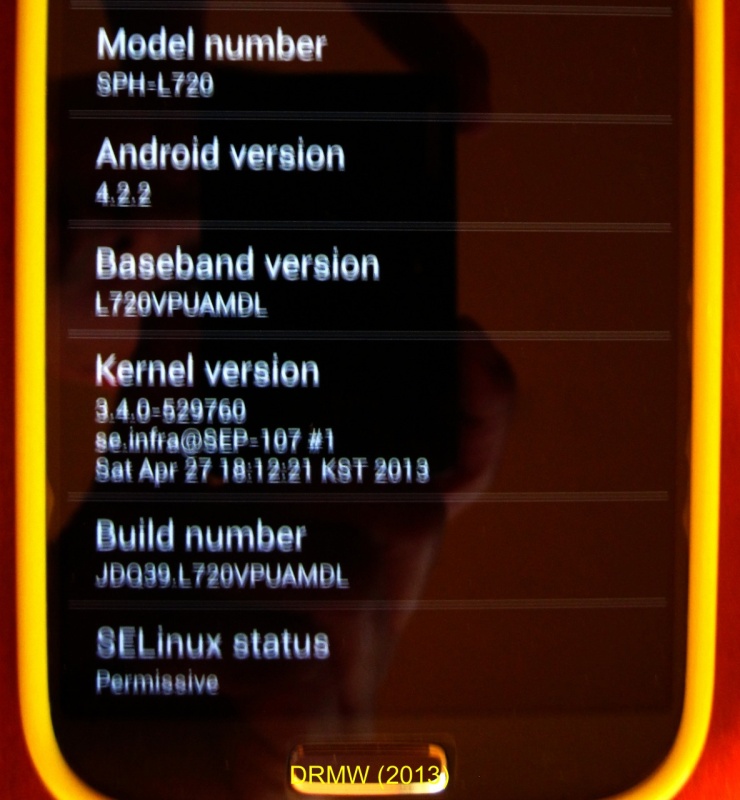
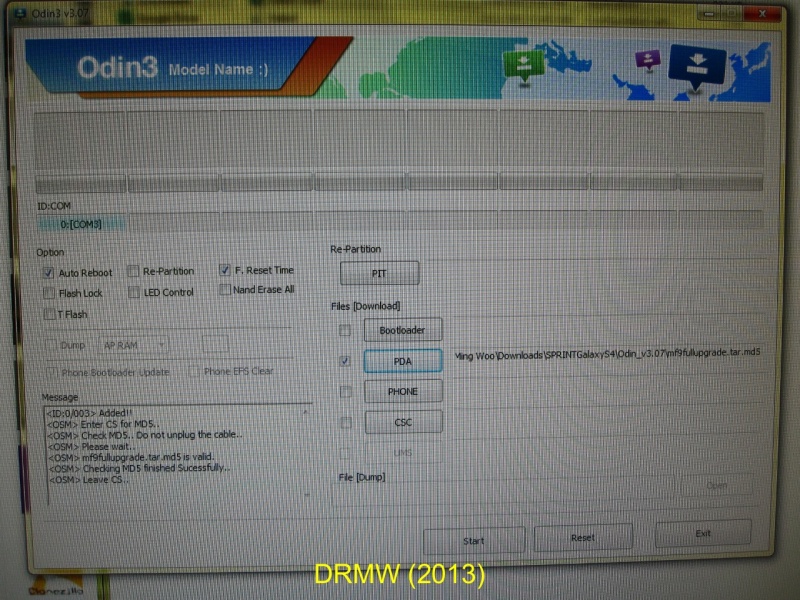
Fired up ODIN and installed the noobnl tar file firmware and modem. Since the phone bootloader update was unchecked, you have to edit the ini file in the Odin 3.07 folder Once done, the box is still greyed out but has a check.
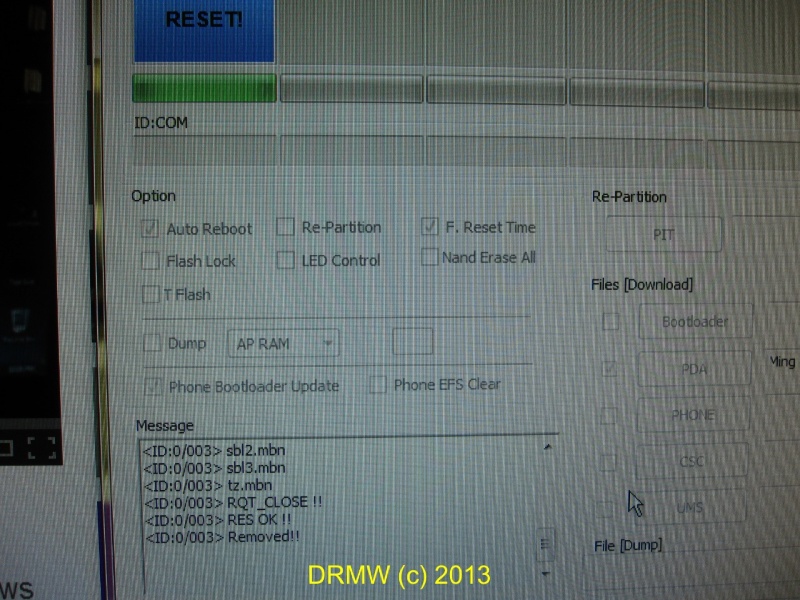
Green light!
Auto reboot is checked so once it fires up,
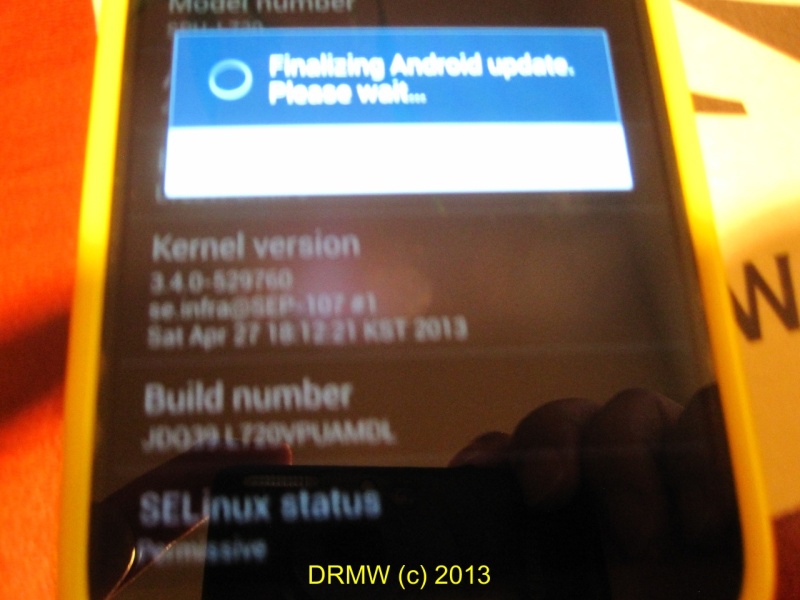
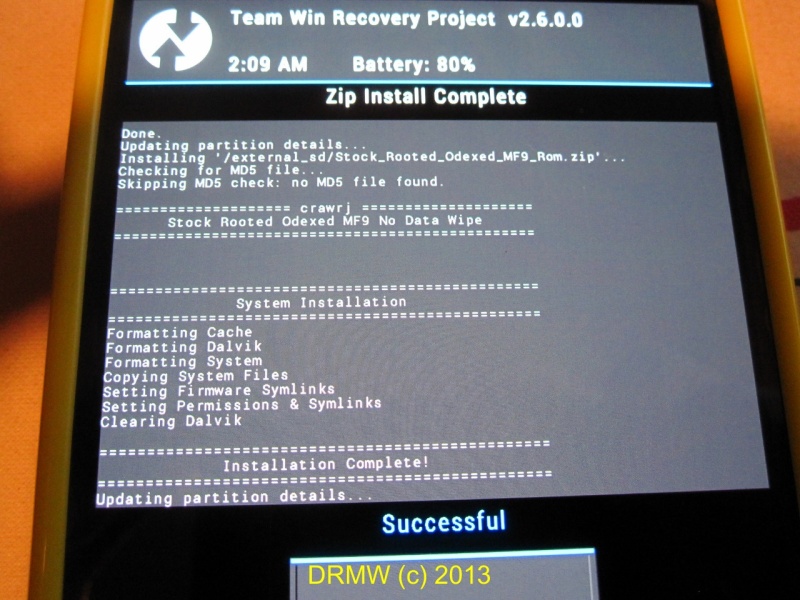
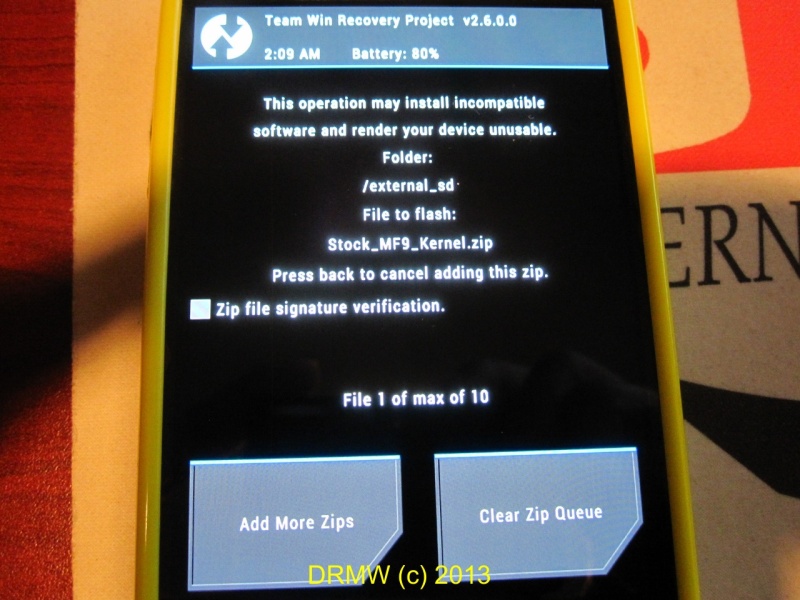
Now we have to update the ROM and Kernel, I'll install the zips with TWRP:
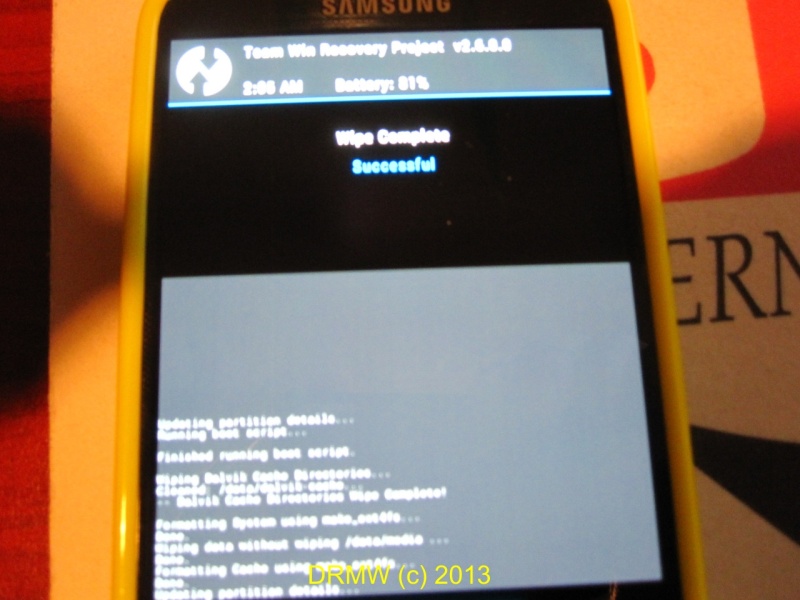
I already have a backup so let's start clean with a system, dalvik, cache, and data wipe:
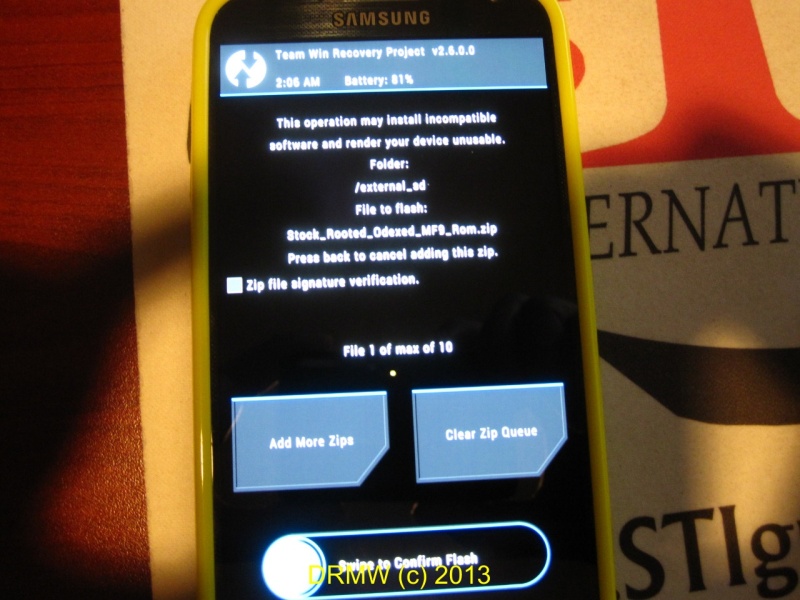
The crawrj odexed MF9 ROM is a large file, installing it took a few minutes:
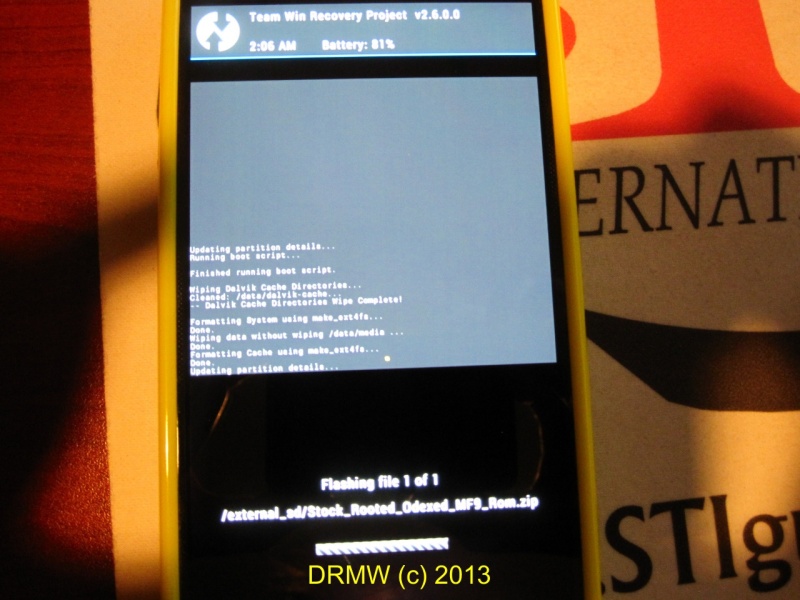
Woohoo, success!
Next the new Kernel...
Done!
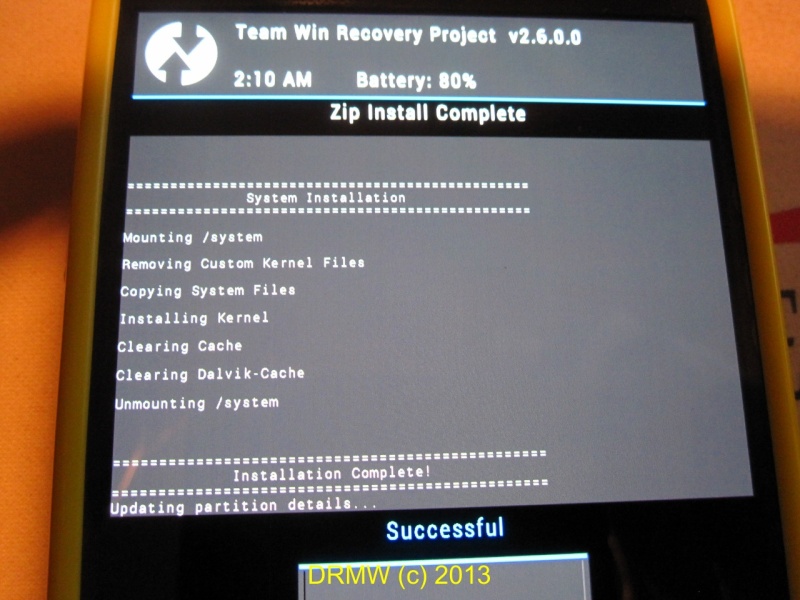
Now we are fully updated to MF9 and rooted with Superuser! So far I have noticed a few changes. The biggest is the ability of moving apps to SD, HD Voice enhancements, and a new Adapt Display function. I never had a problem with lag (some had reported a slight bit) so this was supposed to make things smoother. For those that have the new S4, how are you liking it? Are you stock or rooted?
-MW
MOD: Adding the WifiHotspot toggle
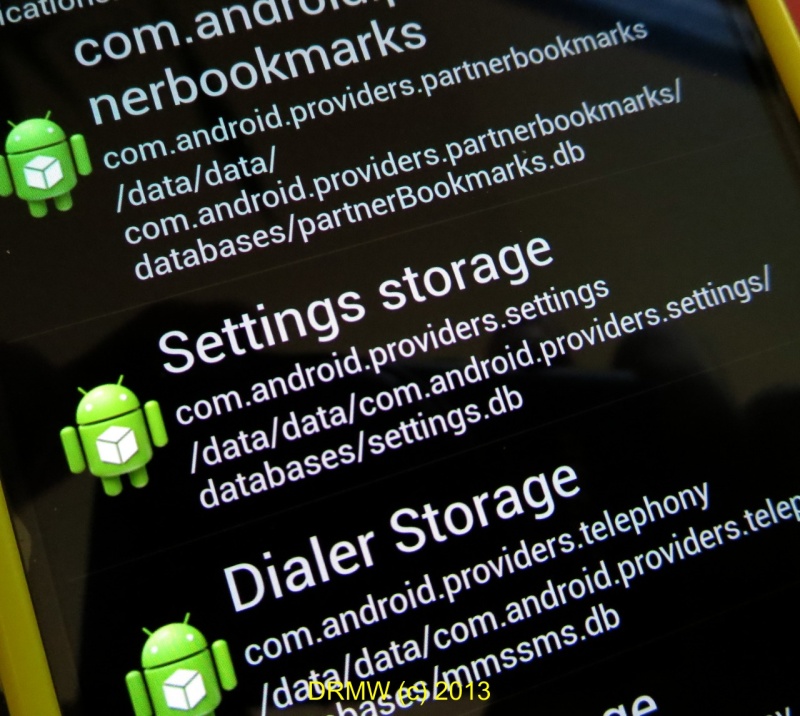
With a SQLite editor ( I used the sqlite Database Editor in the PLAY store)...
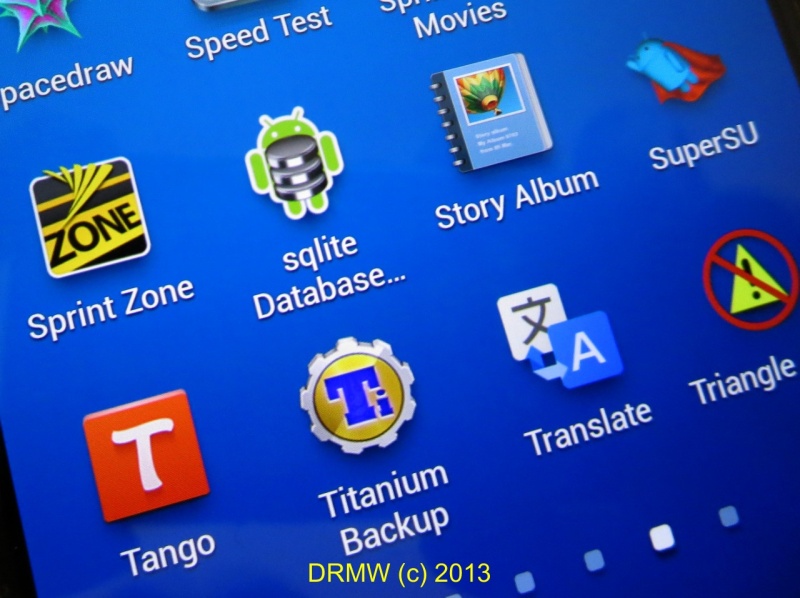
Go to Application Databases and scroll down to Settings storage:
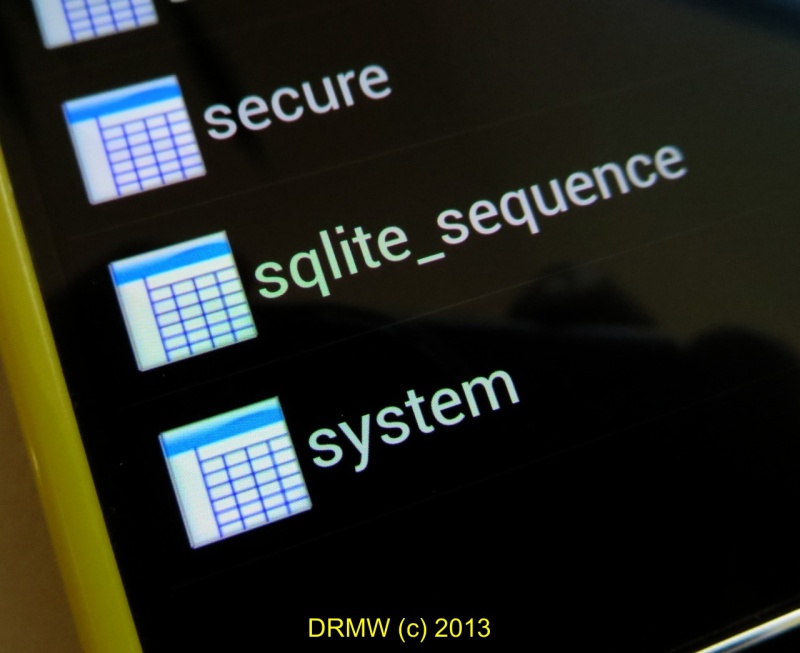
At the bottom is System
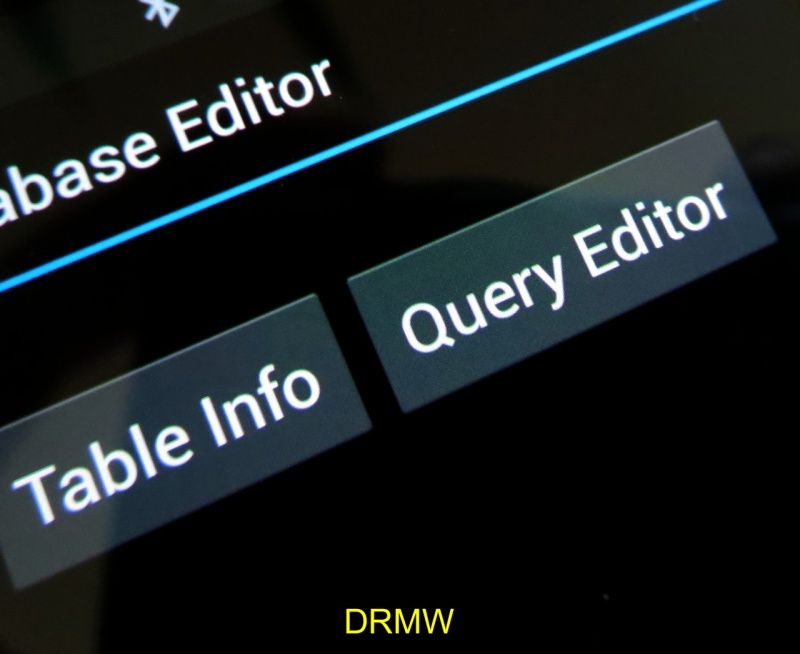
Hit Query Editor
and type in: 'SELECT * FROM [system] [name] WHERE[name]=notification_panel_active_app_list'
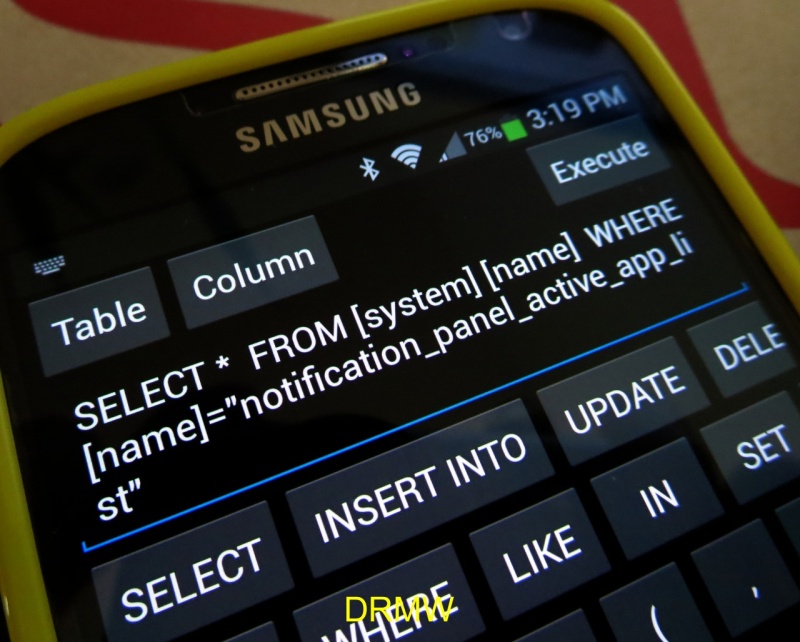
This will pop up:
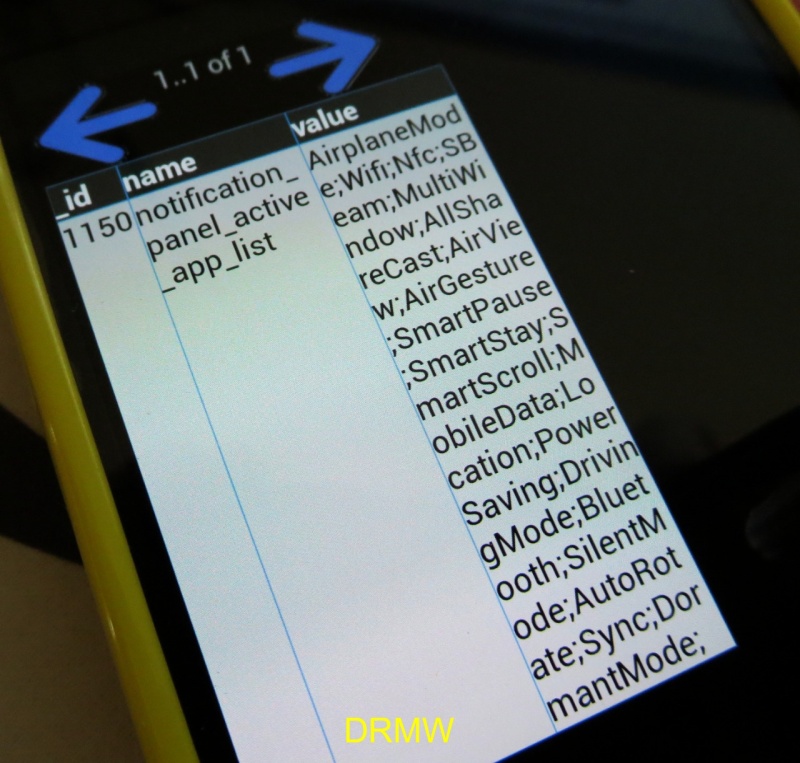
Click on the white box and hit Edit/View:
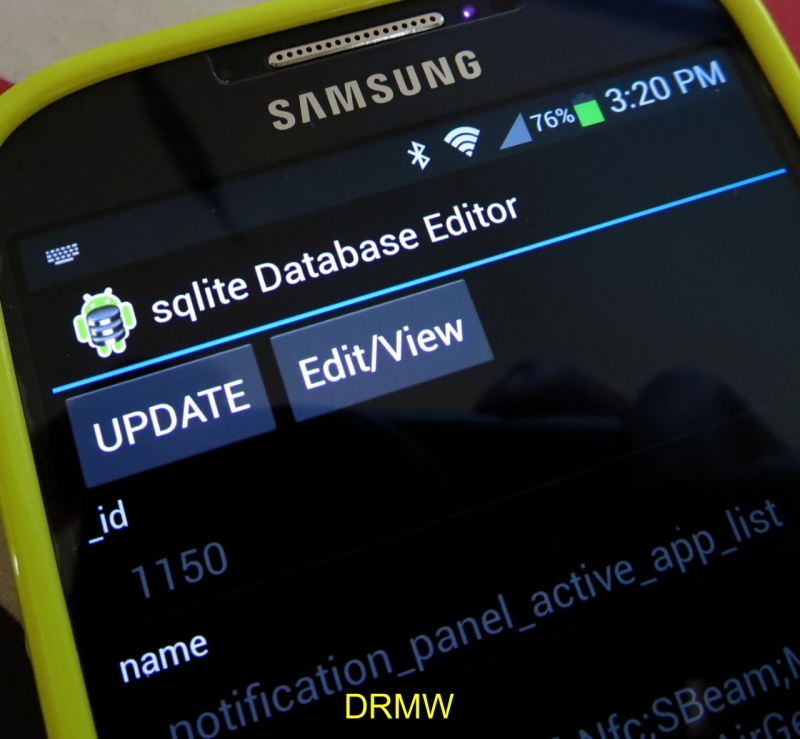
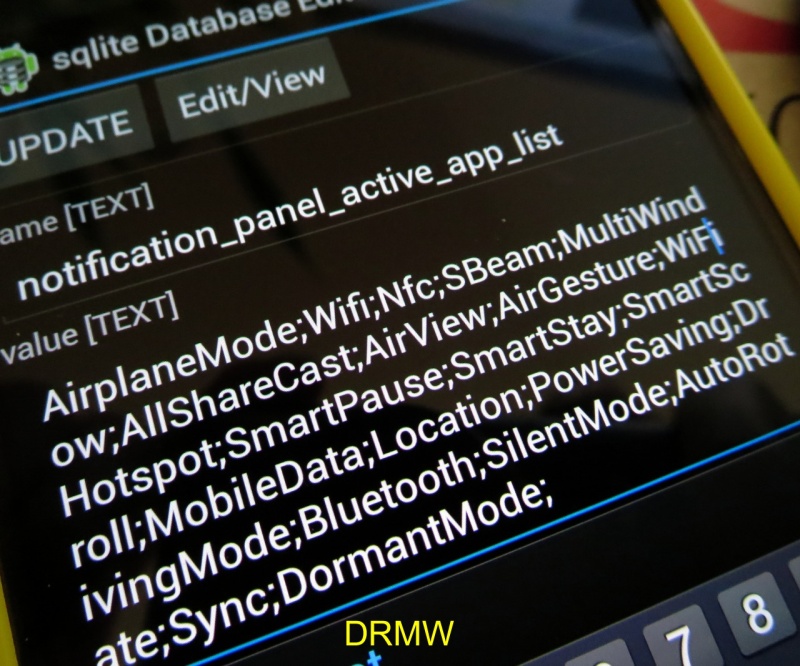
In the field, locate where you want to add the Wifi Hotspot toggle. You can always move it later when it gets installed.
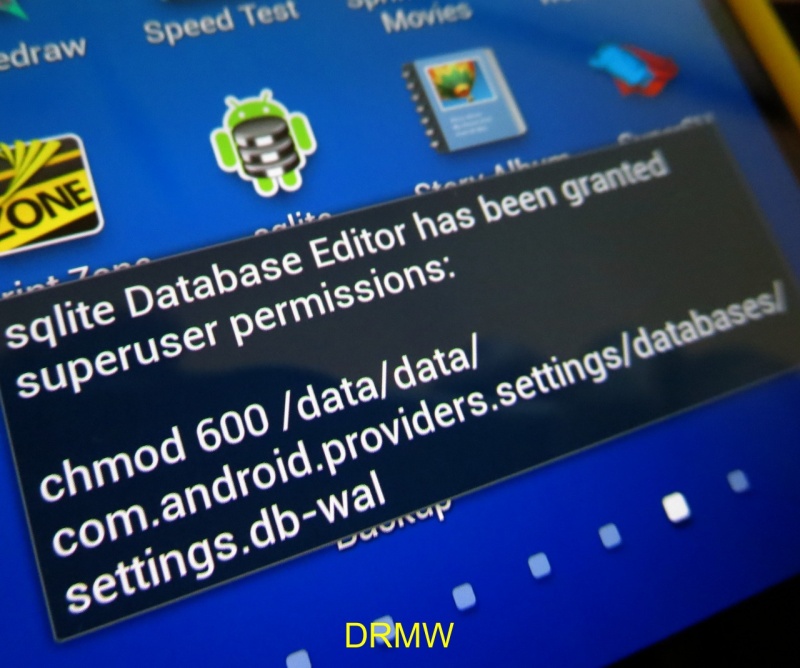
Hit UPDATE and then exit the app. SU permissions will pop up.
Reboot and once it powers up, check your Notification Panel, viola!
The Wifi Hotspot toggle is there! 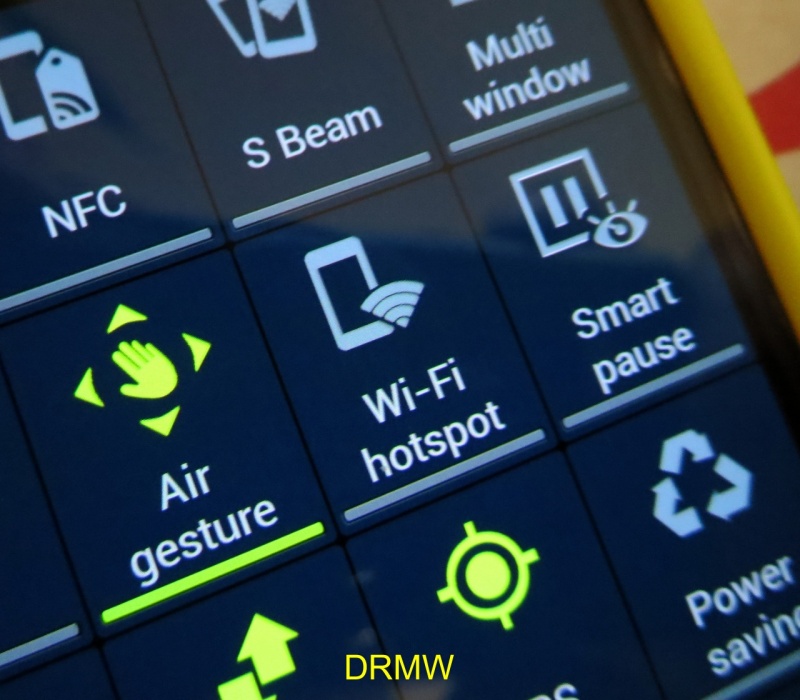
-MW
MOD: Open/Unlock Secret Hidden Settings!

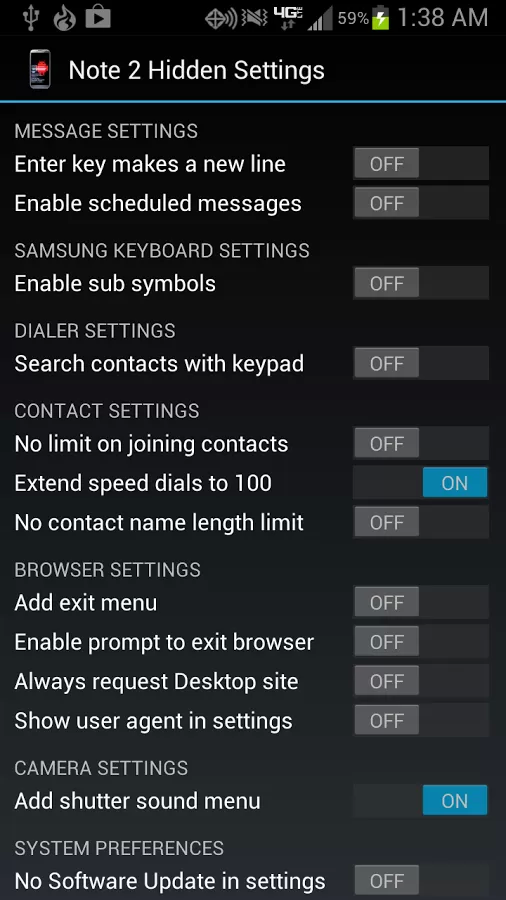
Note 2 Hidden Settings
***REQUIRES ROOT***
This app enables you to easily change hidden settings on your Note 2, such as:
• Adding a shutter sound on/off option to the camera
• Turning on Infinite Scroll mode on the launcher and app drawer
• Extending how many contacts you can join together
These modifications normally can only be made by manually editing a system file, which can be dangerous and very inconvenient. This app makes the process quick and painless.
Features:
• Shows which options have already been enabled, even by a different app or manually
• Creates an automatic backup in case something goes wrong
• Nice looking Holo interface
• Supports devices which implement feature.xml or an others.xml file