
DRMW
[Purist]
21832

Solution for a corrupted camera memory card!
Over the years I've been buying one particular brand of
memory card. Sandisk has always been reliable for me in
various devices. I've purchased SD (secure digital), MicroSD,
and CF (compact flash) cards for my cellphone, tablets, and
cameras. As the technology in the cards evolve, the capacity
gets larger and larger and of course faster. With digital
cameras the newer cards take advantage of the higher read and write
speeds especially on the premium models. Sandisk has their
Extreme Pro which is their premier level of card.
Once in a while I accidentally deleted a card with a bunch of images but with software it was relatively easy to restore files. I've always read or heard about it but fortunately I have not experienced any card failure up until now. On a recent extended trip I filled up a 32GB card with about 30GB worth of pics and when I got home I had a problem downloading the files! The on camera display of my Nikon was flashing 'FOR' which means it couldn't read my card and wanted to format it in order to do so. I have an old Belkin multi card reader but it
wasn't designed for the newer UDMA standards. I went out to my
local camera store and picked up a Sandisk Imagemate All-In-One USB
reader. This reader has the 3.0 USB so it can download to my
laptop a lot quicker than the old 2.0 that I had.
I have an old Belkin multi card reader but it
wasn't designed for the newer UDMA standards. I went out to my
local camera store and picked up a Sandisk Imagemate All-In-One USB
reader. This reader has the 3.0 USB so it can download to my
laptop a lot quicker than the old 2.0 that I had.
Once in a while I accidentally deleted a card with a bunch of images but with software it was relatively easy to restore files. I've always read or heard about it but fortunately I have not experienced any card failure up until now. On a recent extended trip I filled up a 32GB card with about 30GB worth of pics and when I got home I had a problem downloading the files! The on camera display of my Nikon was flashing 'FOR' which means it couldn't read my card and wanted to format it in order to do so.
I have an old Belkin multi card reader but it
wasn't designed for the newer UDMA standards. I went out to my
local camera store and picked up a Sandisk Imagemate All-In-One USB
reader. This reader has the 3.0 USB so it can download to my
laptop a lot quicker than the old 2.0 that I had. 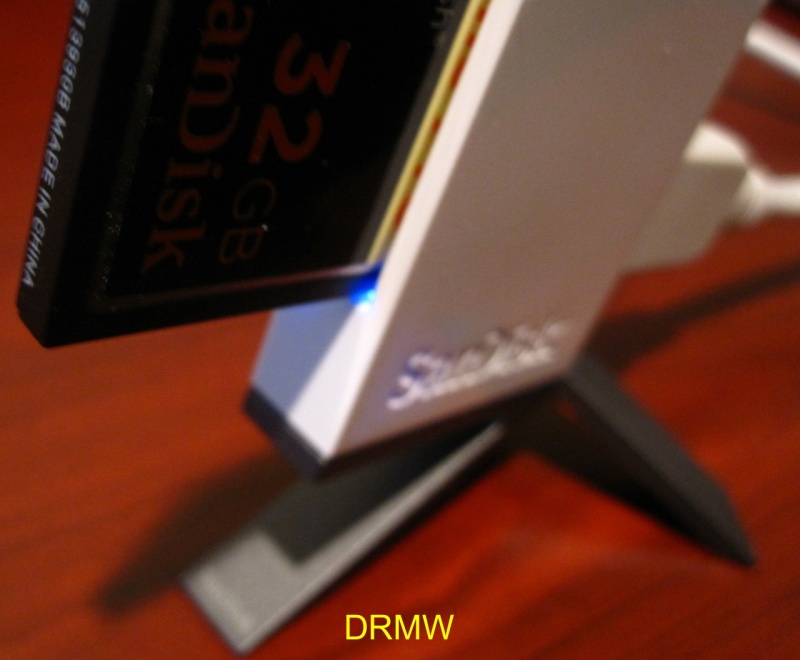
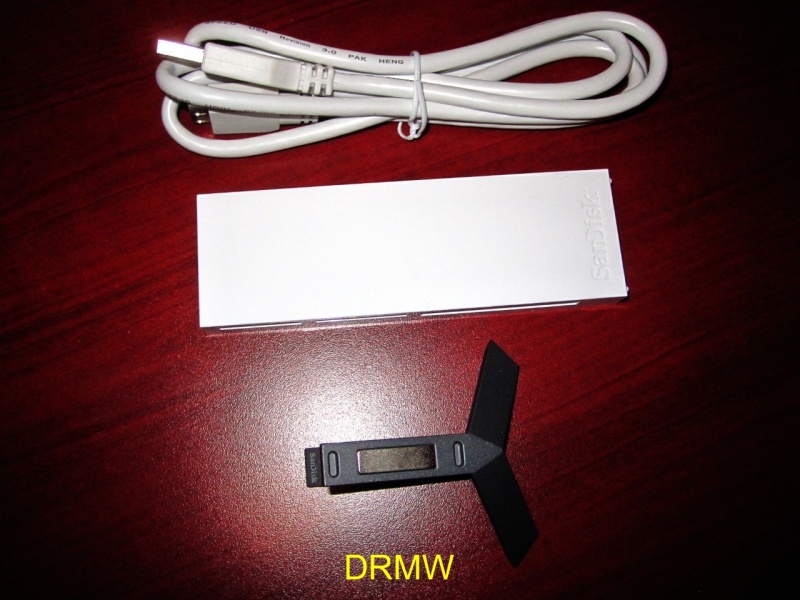
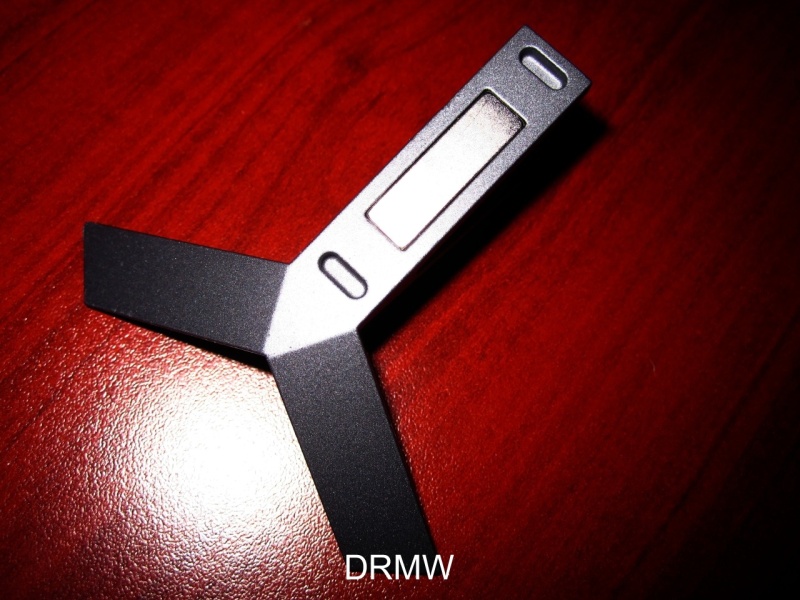
The Sandisk Imagemate comes with a 3.0 USB cable and a metal stand:
As a multi card reader it can transfer off of SD, Duo/Pro Duo, and CF cards:
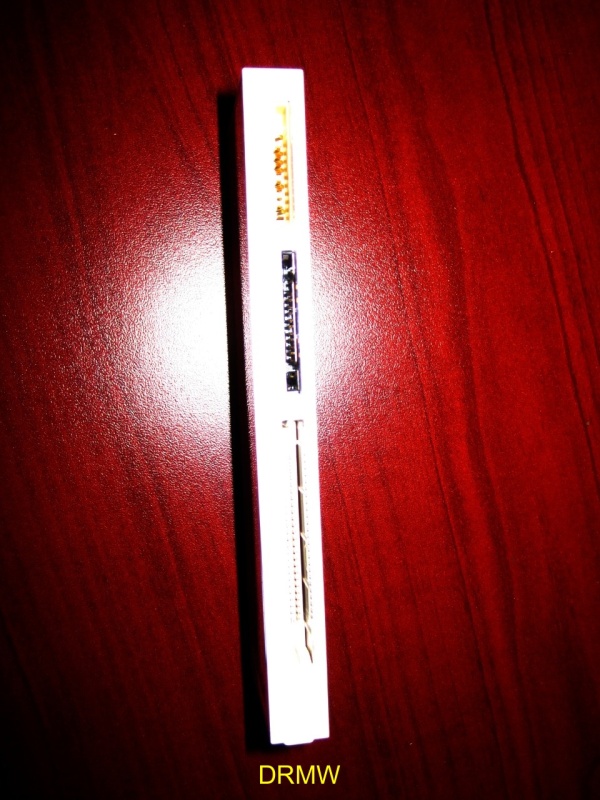
The 3.0 USB capability can transfer up to 300 MB/s and also works with the 2.0 usb ports. All the fast SDHC/SDXC, UHS-1, and new UDMA 7 cards can be read.
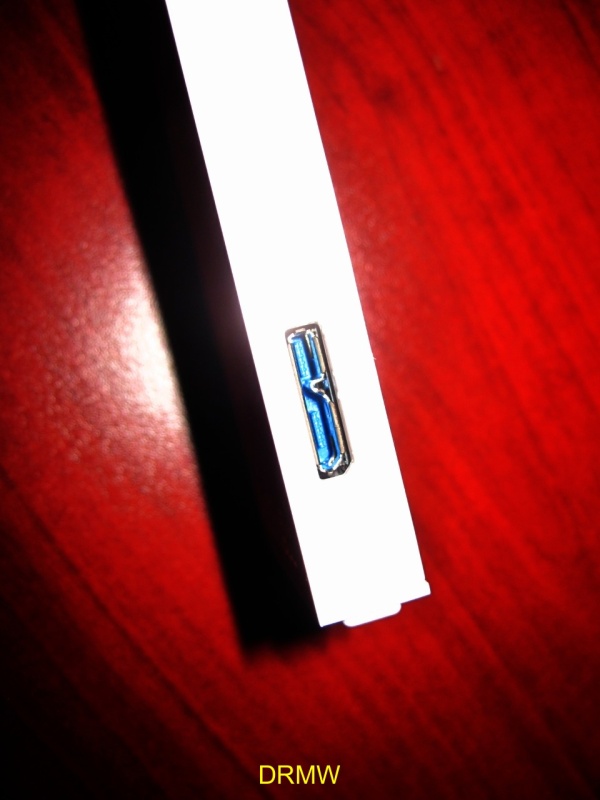
On the top of the Imagemate is the port for microSD cards:
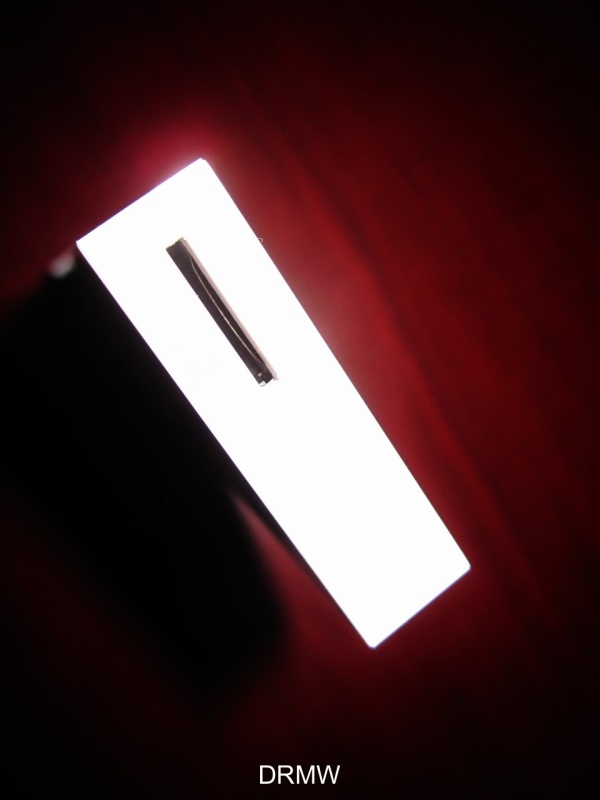
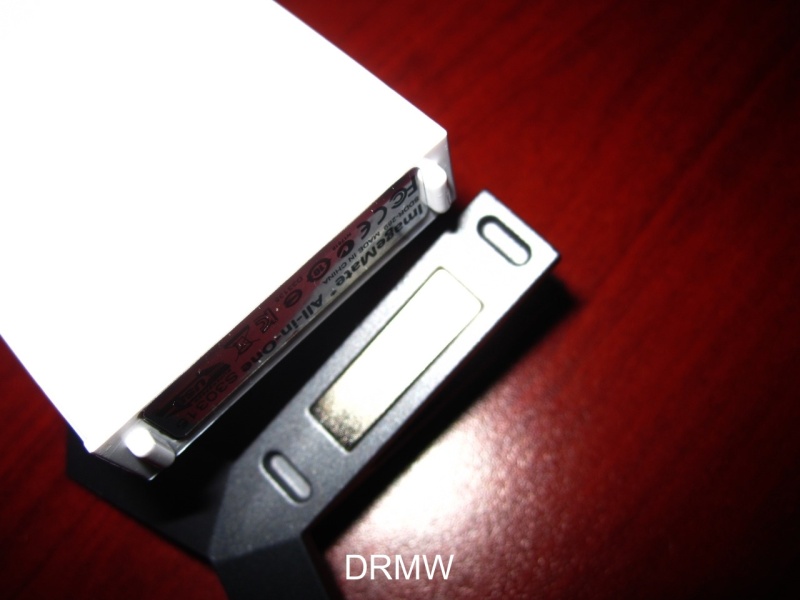
The stand is a heavy duty tripod design and has magnets at the base. The Imagemate has two ovoid feet that goes into the stand and attaches securely via the magnets:
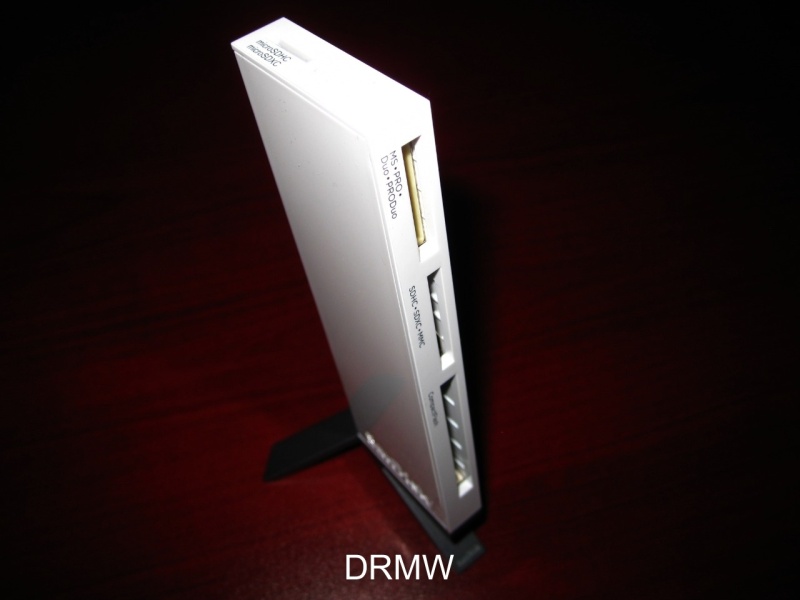
Unfortunately the reader could not detect the Sandisk 32GB CF card and like the camera it wanted to format it so it can recognize the card.
I was tempted to format it and try to restore it
but I considered using Recuva or Sandisk's own RescuePro
software. If you purchase a Sandisk card it includes a year of
RescuePro. Recuva is a freeware. A good friend who
is also a excellent photographer recommended using the Lexar program
called Image Rescue 4 (the most recent version). Lexar also
makes some fast cards and many use their products exclusively.
Lexar Image Rescue 4:
Download is quick off the Lexar website and you enter the code to validate the purchase of the recovery software:
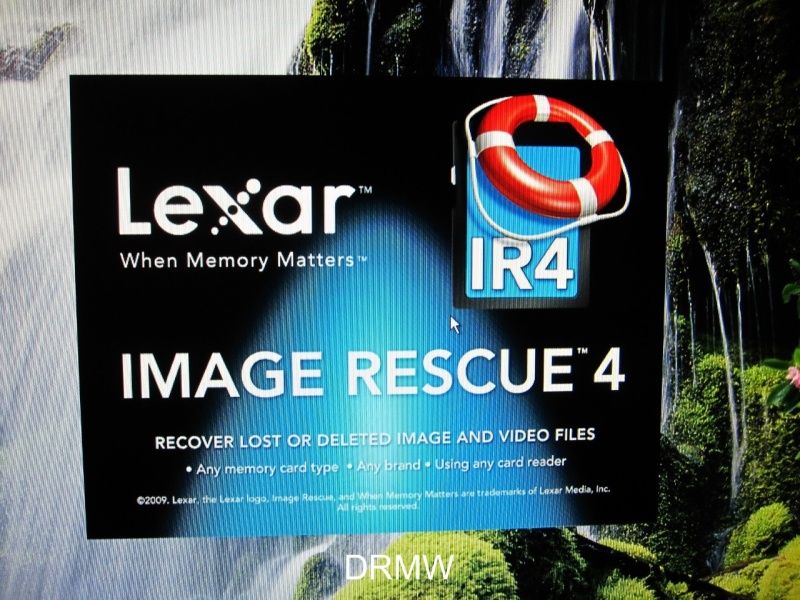
Success! The Image Rescue 4 program recognized the card off the Imagemate reader! Next step was to recover files off the CF card. Since it was 30+ GB worth of files, it took over 3 hours to find images that were on the corrupted card. The last step was to recover and place them onto my hard drive which took another 3+ hours to preform. It did take a long time but I am happy to report that I was able to fully restore all my photos and video!
Hopefully you never have to experience losing data due to a corrupt card but will eventually happen no matter what. The first thing to keep in mind is to not shoot over your card and take it out of the camera and perform a recover via software. I've had success with the RescuePro and now with the Image Rescue 4 but there other good ones out there.
I've contacted Sandisk customer service and they emailed me a RMA number and a prepaid shipping label and will send me a replacement card. So far it's been easy to take advantage of the Sandisk lifetime warranty but in the future I hope I don't have any more issues!
-MW
Solution for a corrupted camera memory card!
Over the years I've been buying one particular brand of memory card. Sandisk has always been reliable for me in various devices. I've purchased SD (secure digital), MicroSD, and CF (compact flash) cards for my cellphone, tablets, and cameras. As the techn...

I remember how you found the solution when the same happened to me.
It is magic! Well, some saved pictures were a bit damaged, but most of them were perfectly saved. A good advice, as this kind of " mesaventure " can always happen. Best, Ming, and once again, thanks! Nicolas
Glad it helped...
Losing images/data is not fun so I'm glad it helped. My old card reader didn't work but the new one (sandisk Imagemate) was able to detect the card. I guess the best thing to do is try different readers as well as various software to recover. Happy holida...

30 GB?
that must be, what, 5,000 pix? that's why i never keep that many photos on the card, always afraid of losing them, cause it happened long time ago. apparently it is good to format the card once in a while as well. I do it often and never had a problem sin...
it's a 32GB CF card so...
Hello numberobis, I'm shooting with a D800, the RAW files are huge so 32GB will get you around 400 images with this particular camera. Video is popular with dslr's so it takes up a lot of memory as well. Formatting the card in camera is great advice, I do...

re: good information
Hopefully you don't experience what I did but the good news is that there is a possibility to recover if it does. Happy shooting JerryW! -MW

Just in right time
Dear Ming you post came in perfect time This issues with memory cards is interesting one I'm having some problems with my Lexar Platinum II 16GB CF card & D800..although SanDisk, Lexar & Toshiba are Nikon certified for use with D800 Problem is unu...
re: right time
Lexar has the Professional cards that are UDMA 7, maybe try one of those? I'm shooting with my 16GB Sandisk until I get my replacement from sandisk and that has worked flawlessly since I got it. I used EaseUS for the erase/format to wipe everything prior ...

The Best Designed Reader IMO
Perhaps u like to set the D800 to backup. Sure the SD will slow the CF, however, much better than losing photos. Glad u recovered the photos.
re: best designed
Great suggestion flamenco! I set the second slot (SD card) for video but maybe I should switch it to backup.....or maybe it's time for a 64GB card! :) -MW
64 GB
Tested the 64 and 128 GB cards ... slow and buffer rates suffers quite a bit, if you shoot raw and in burst that is. There is a way around it .. LEXAR ... a costly way I might add ! Lexar is supreme for video, from what I have herad thus far. That way I k...
re: 64GB
I thought about getting a 64GB card but since I have a 8 and 16 CF I have more than enough memory. I think I will try a Lexar on my next purchase! -MW

Hair raising experience!
Thanks for sharing your corrupted memory card experience! Glad it ended alright!

i had some excellent advice from my camera shop
they recommend that instead of deleting images you should format the card after you download the pics. everytime you delete a file it leaves a small portion of info on the card and do that enough times that info can corrupt the new images. format is good ...